

Product updates
Who Should Own Release Communication in a SaaS Team?
Who should own release communication in a SaaS team? Discover the roles of Engineering, Product, Marketing, and Customer Success in effective updates.
Relavino reads your commits and drafts customer-friendly notes, technical changelogs, and client delivery reports — in minutes, not hours. Read-only. It never touches your source code.
No new workflow to learn. If you can push to GitHub, you can ship a release note.
Point Relavino at your repo. It reads commit messages — nothing else.
Group commits into a version and let AI write the note.
Ship it to the people who've been waiting to hear about it.
The difference
Time varies by release size — every AI draft is yours to review and edit before publishing.
All the building blocks to turn an engineering changelog into something your customers, clients, and team will actually read.
The same commits become a customer-friendly note, a technical changelog, or a client report — no rewriting three times.
One click pulls the latest commits — you decide when and what flows in. No noisy automation, no surprises.
Bundle related commits into Major, Minor, Patch, or Hotfix releases — instead of handing customers a raw commit dump.
Auto-generate professional sprint delivery reports that justify the invoice and win the renewal.
Publish an open changelog page or a private unlisted link — with your logo on Pro, so every release looks like yours.
Build subscriber lists by audience. Every release reaches the right group — with double opt-in and one-click unsubscribe built in.
Who it's for
Keep customers in the loop without slowing down shipping.
Show clients exactly what they're paying for.
Stop rewriting the same release three times.
Free plan included. No credit card to start. Unlimited team members on every plan.
No credit card to start · Cancel anytime · Your data stays yours.
From the blog
Who should own release communication in a SaaS team? Discover the roles of Engineering, Product, Marketing, and Customer Success in effective updates.

Discover why customers often miss important product updates and how effective communication can bridge the gap between development and user awareness.
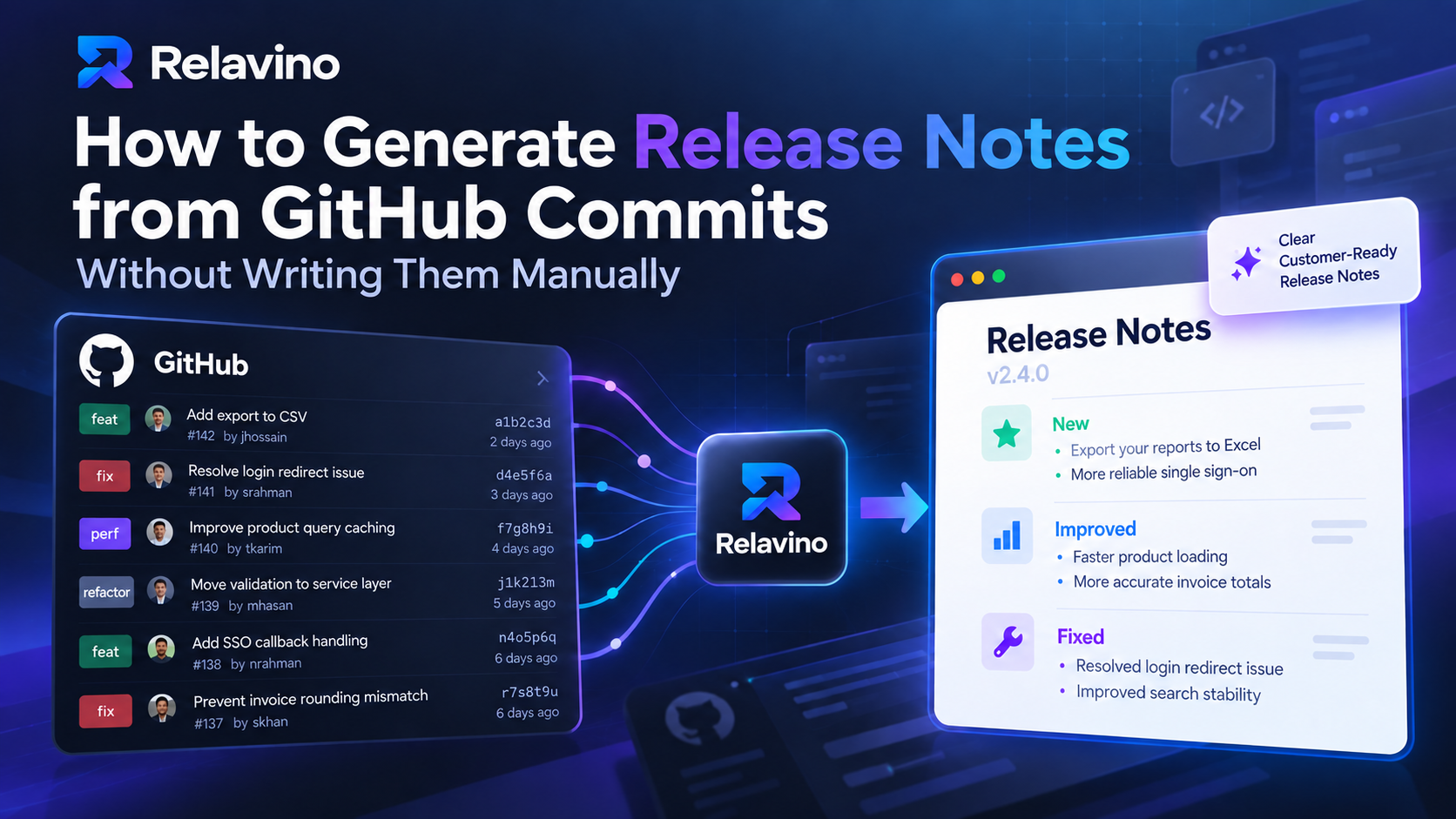
Learn how to automate the generation of release notes from GitHub commits, saving time and improving communication with customers.
ChatGPT doesn't connect to GitHub, doesn't track your versions, and makes you paste commits (and sometimes code) every time. Relavino syncs your commits, groups them into versions, writes for three audiences, and publishes — without your source code ever leaving GitHub.
No. Relavino uses an official read-only GitHub App and never writes to your repo. The AI only sees commit messages and author names. The app can show which files changed in a commit, but never their contents.
Always. Every release note is saved as an editable draft. Rewrite any line, change the tone, regenerate, or start over before you publish.
No — by design. You click Sync when you're ready, so you decide exactly which commits flow in and when. No surprise updates, no noisy automation.
Add subscribers to groups (for example, customers or a specific client). Each person confirms by email (double opt-in), and every release email includes a one-click unsubscribe. When you publish, send the note to one or more groups in a click. The Free plan includes up to 20 subscribers and 2 groups.
Yes. Publish a public changelog page, or a private unlisted link that only people with the URL can see — excluded from search engines.
Yes — every plan includes unlimited team members. Invite teammates to create versions, edit notes, and publish. Workspace owners and admins manage billing and settings.
Yes — it's built for it. Generate a professional client delivery report each sprint, publish a private unlisted link or email it, and track every client app under its own product name.
Not yet — Relavino is GitHub-only today. GitLab and Bitbucket are on the roadmap; if you need one of them, tell us via the contact page and we'll let you know when it ships.
Each format you generate counts as one. Generating the customer, technical, and client versions of the same release uses three. Editing a draft is always free; regenerating a format uses one.
The Free plan includes 10 AI release notes a month, with unlimited repositories and team members. If you hit the monthly limit, nothing breaks — your drafts, versions, and published pages keep working, and you can still edit existing notes. Generate more by upgrading to Pro, or wait for the monthly reset.
Payments are handled securely by Paddle, our merchant of record. If Relavino isn't the right fit, request a full refund within 14 days of your first payment — no questions asked.
Anytime. Cancel from the billing page and keep access until the end of the period. Disconnecting GitHub stops all syncing, and you can request full account deletion through the contact page — we remove your data within 30 days.
Connect GitHub, click sync, and let Relavino write it — free to start, no credit card.